Online Customer Service System VUE Plus PHP Full Open Source Setup Guide — Card Key Login and Unlimited Agent Accounts
Online Customer Service System VUE Plus PHP Full Open Source Setup Guide — Card Key Login and Unlimited Agent Accounts
Last year I took on a freelance project where the client needed a live chat widget embedded directly into their website. The requirements were specific: agents should log in using a card key instead of registering an email account, and new agent accounts should be addable at any time without restrictions. After evaluating several commercial SaaS platforms — all charging per seat per month — I found this fully open source system built with a VUE frontend and PHP backend. The full source code is available for modification, and running it costs nothing beyond monthly server fees.

1. System Features Overview
Here are the core features I personally tested and verified on this online customer service system:
- Card Key Login Mechanism: Agents do not register accounts. The admin generates card keys from the backend, and agents use them to log in. Keys expire automatically when their validity period ends.
- Unlimited Agent Accounts: The backend can batch-generate card keys with no theoretical upper limit, making it ideal for outsourced or part-time agent teams.
- VUE Frontend: The chat widget is a standalone single-page application embeddable into any website, with customizable brand colors and logos.
- PHP Backend — Fully Open Source: The logic layer is written in PHP with Workerman handling Web Socket connections, delivering messages in under 200 ms.
- Multi-Session Concurrency: Each agent can handle multiple visitor sessions simultaneously, with a real-time dashboard showing queue status.
- Chat History Storage: All messages are stored in MySQL and can be exported as CSV for quality review.
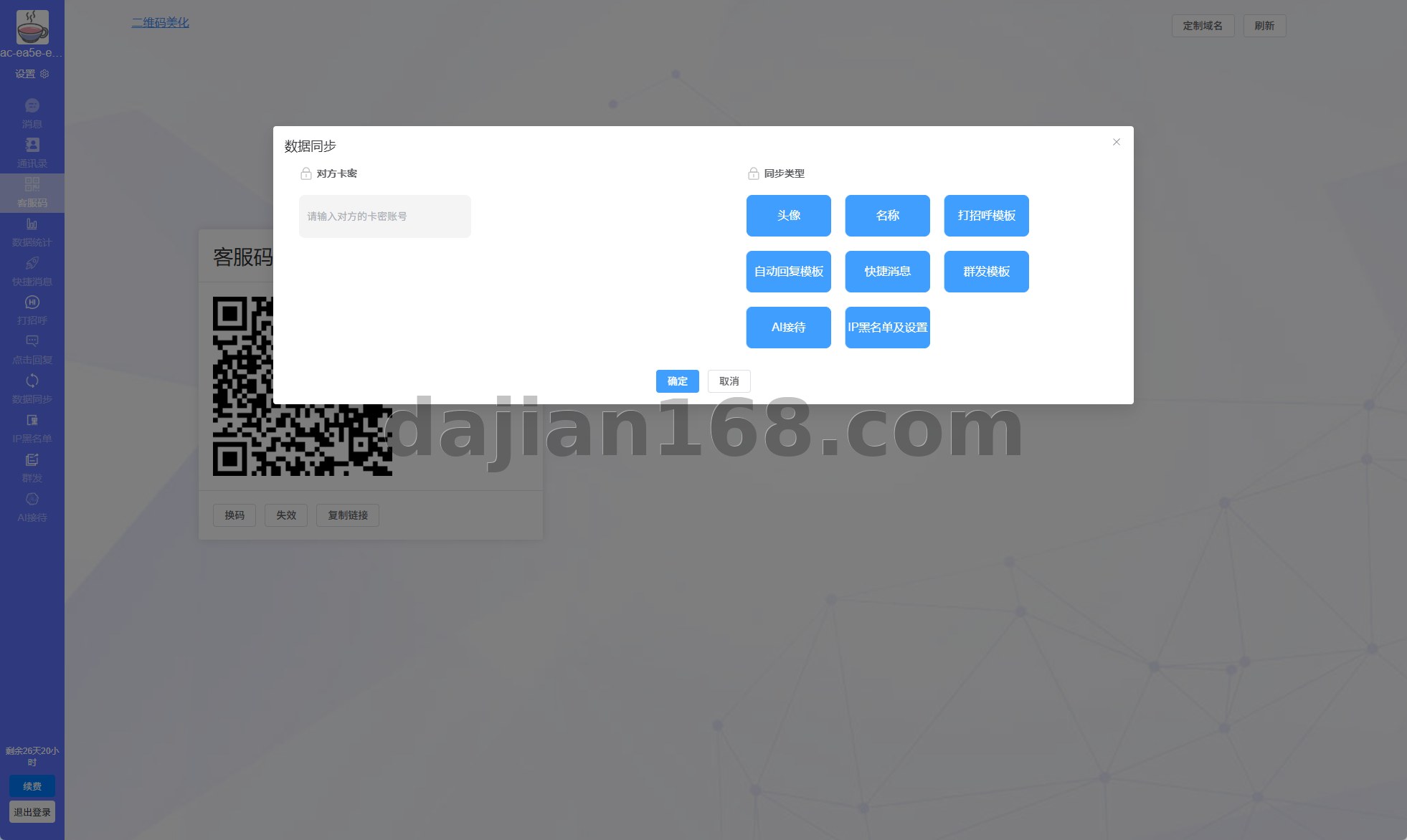
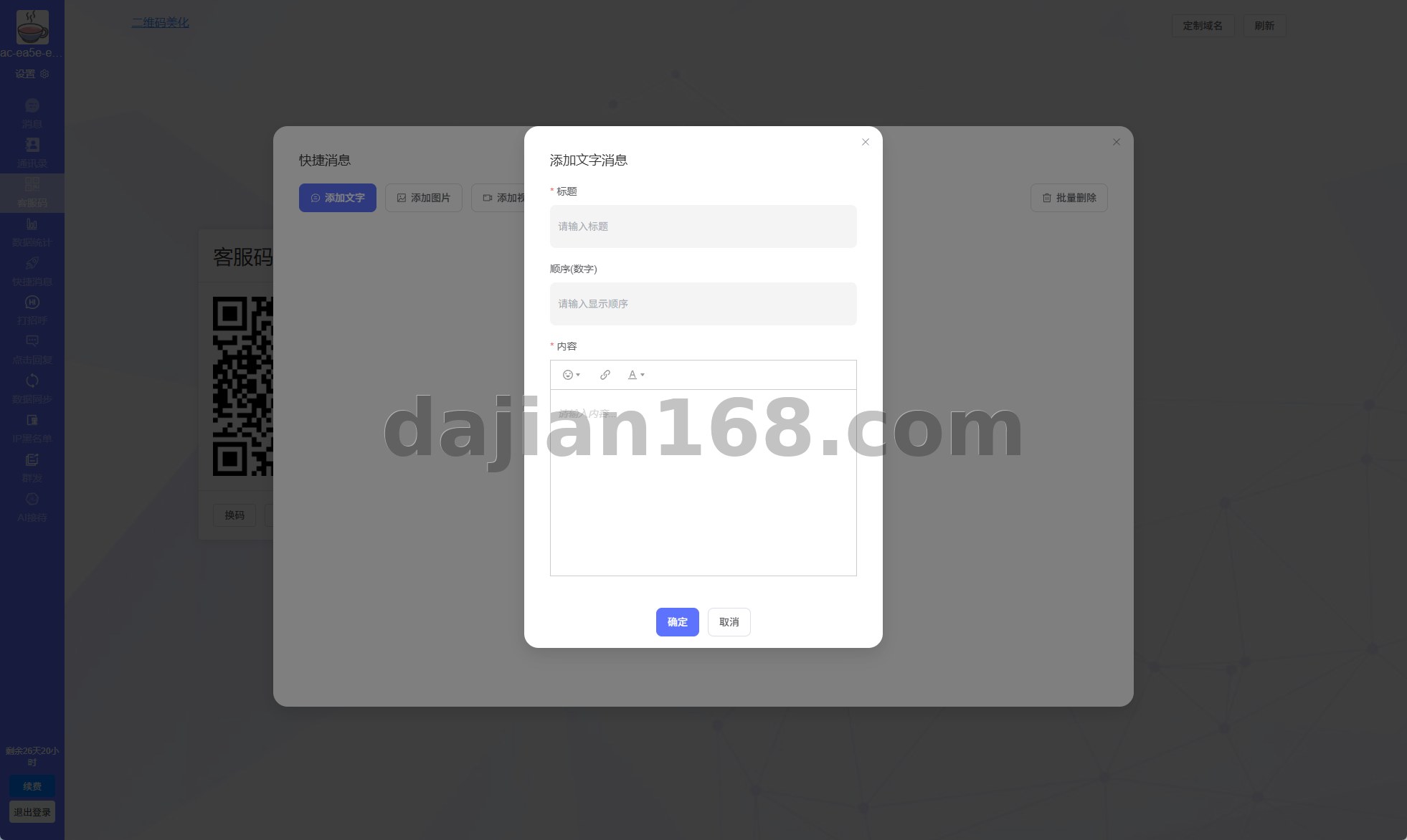
- Quick Reply Library: Admins can pre-set common responses in the backend; agents insert them with one click to improve response speed.

2. Setup Requirements and Environment
Before you start, confirm these prerequisites to avoid the most common pitfalls:
- ✅ Server: Linux OS, recommended Ubuntu 20.04 or Cent OS 7, minimum 1 GB RAM (2 GB recommended)
- ✅ PHP Version: 7.4 or 8.0, with pcntl, posix, and sockets extensions enabled (required by Workerman)
- ✅ MySQL Version: 5.7 or 8.0 — just import the included SQL file
- ✅ Nginx: Serve the compiled VUE build as a static directory; route the PHP backend through PHP-FPM
- ✅ Open Port 7272: Workerman listens here by default; allow it in your firewall and security group
- ✅ SSL Certificate: Web Socket requires WSS, so HTTPS is mandatory on your domain
- ✅ Node.js: Required locally for building the VUE frontend (Node.js 14+); not needed on the production server

3. Troubleshooting and Lessons Learned
3.1 Workerman Fails to Start
The most common cause is missing PHP extensions. Run php -m | grep -E 'pcntl|posix|sockets' to verify all three are present. If you are using Bt Panel (Bao Ta), install extensions through the Software Store — editing php.ini directly will not work for these modules.
3.2 Frontend Cannot Connect to Web Socket
Check the wsUrl field in the VUE config.js file and update it to your own domain and port. Also configure Nginx to proxy Web Socket connections by adding the Upgrade and Connection headers; otherwise the browser will report a 101 handshake error.
3.3 Batch Card Key Import Fails
When importing card keys via CSV, the column order must match exactly. I encountered an issue where Excel automatically converted numeric card keys into scientific notation, causing the import to fail. The fix is to format the card key column as Text before exporting from Excel.
3.4 High Message Delivery Latency
My first deployment showed latency over 2 seconds. The bottleneck turned out to be slow DNS resolution on the server. Increasing the Workerman process count from 1 to 4 by changing $worker->count reduced latency to under 200 ms.
4. Customization Options
Since the full source code is open, common customization requests can be implemented directly or outsourced:
- Enterprise We Chat / Ding Talk Notifications: Push alerts to agents when a visitor starts a session, preventing missed conversations.
- Multi-language Support: The VUE frontend uses an i18n structure; adding a new language JSON file enables switching, suitable for cross-border businesses.
- Agent Performance Statistics: Add a reporting module tracking sessions handled, satisfaction scores, and average response times per agent.
- Visitor Page Tracking: Pass the visitor’s browsing history to the agent panel so agents know which products the visitor was viewing, enabling better upselling.
- AI Auto-reply Bot: Integrate a large language model as the first response layer. Predefined keyword matching triggers automatic replies, reducing human handoff rates by over 30 percent.
💡 Important: After deployment, immediately change the default admin password and rename the admin login path from the default
/adminto a random string to prevent brute force attacks. For production environments, always add anti-CC attack protection.
5. FAQ
Q1: How many agents can be online simultaneously?
A: There is no hard limit. A 2-core 4 GB VPS has been tested with 20 simultaneous agents and 200 concurrent visitors without issues. Higher loads require load balancing.
Q2: Is chat history lost when a card key expires?
A: No. Chat records are stored in MySQL independently of card key status. Card keys only control login access. Generating a new key for the same agent account retains all historical records.
Q3: Can the frontend be embedded in a We Chat H5 page?
A: Yes. The compiled VUE output is standard H5, compatible with We Chat’s built-in browser. Web Socket is also supported. However, We Chat suspends long connections when the app is backgrounded, so you need to implement a reconnection mechanism.
Q4: Is commercial use allowed?
A: The source code is open source with no commercial restrictions. Keeping the original author credit link in the system footer is recommended as courtesy to the open source community.

Source Reference
Content referenced from: https://yanshigw.top/19613.html (New Online Customer Service System — VUE Frontend Demo)
#online customer service system #VUE customer service #PHP open source chat #card key login system #open source live chat
-
 支付宝扫一扫
-
 微信扫一扫
微信扫一扫